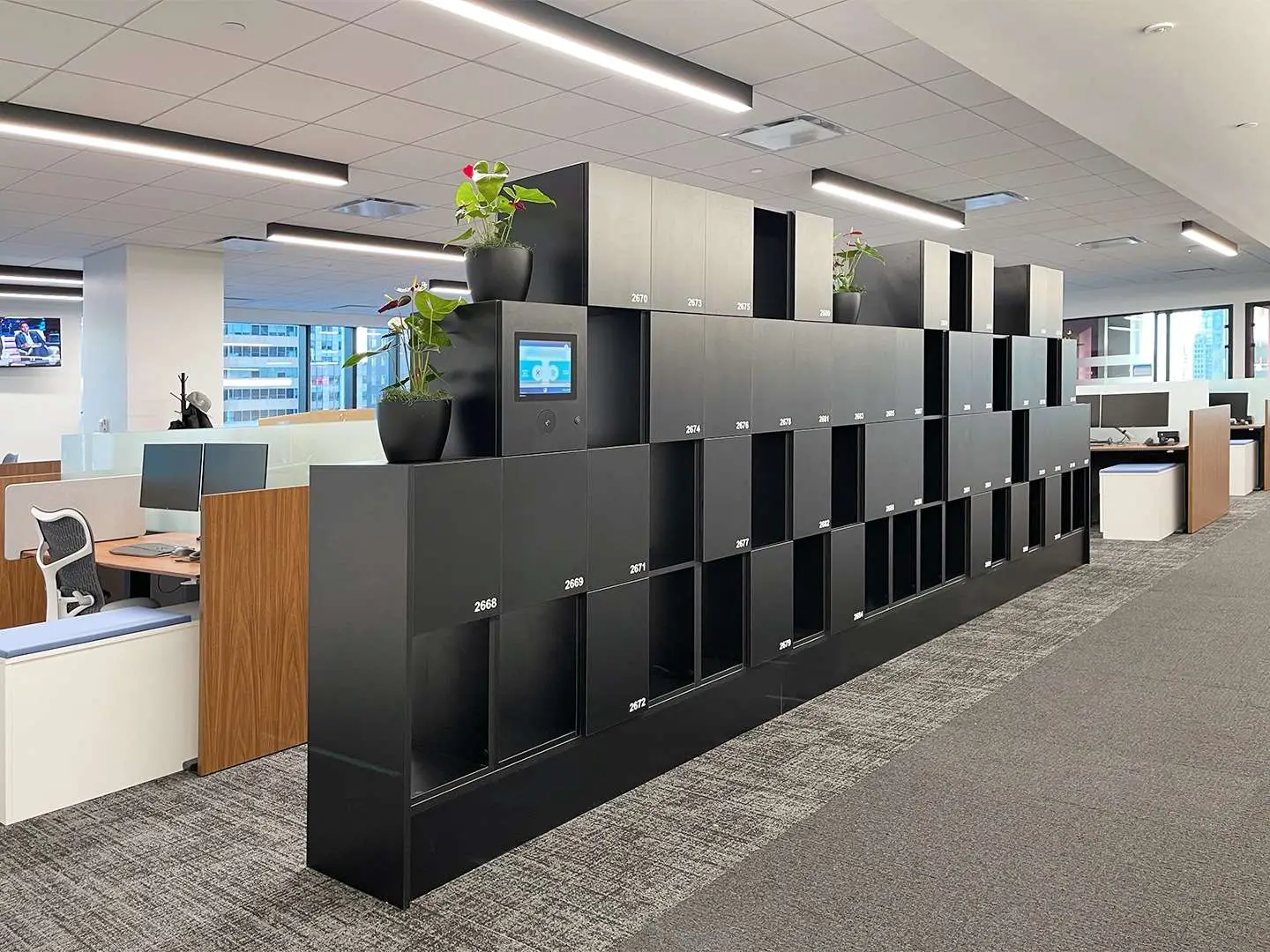

Every client, be its culture, office policies, or else, is unique in its own way. Build a complete and fully tailored smart storage solution that meets the needs of all stakeholders regarding the usability and user-experience of smart lockers.




Mobile access empowers employees by giving them access to their lockers at their fingertips. As a HID™ Advantage Technology Partner our mobile credential options include Apple’s Enhanced Contactless Polling (ECP) application to support credentials in Apple Wallet. Our platform also easily integrates with 3rd-party Workplace Apps. We also have our own native smartphone app.






Metra Touch Displays have two size options to choose from: 4-inch and 10-inch. Each has its own unique advantage depending on your smart locker implementation model — with the 10-inch model allowing for custom screen designs. Metra Touch Displays are often configured for unassigned lockers, but can be used for assigned use or lockers allocated for the exchange of goods.

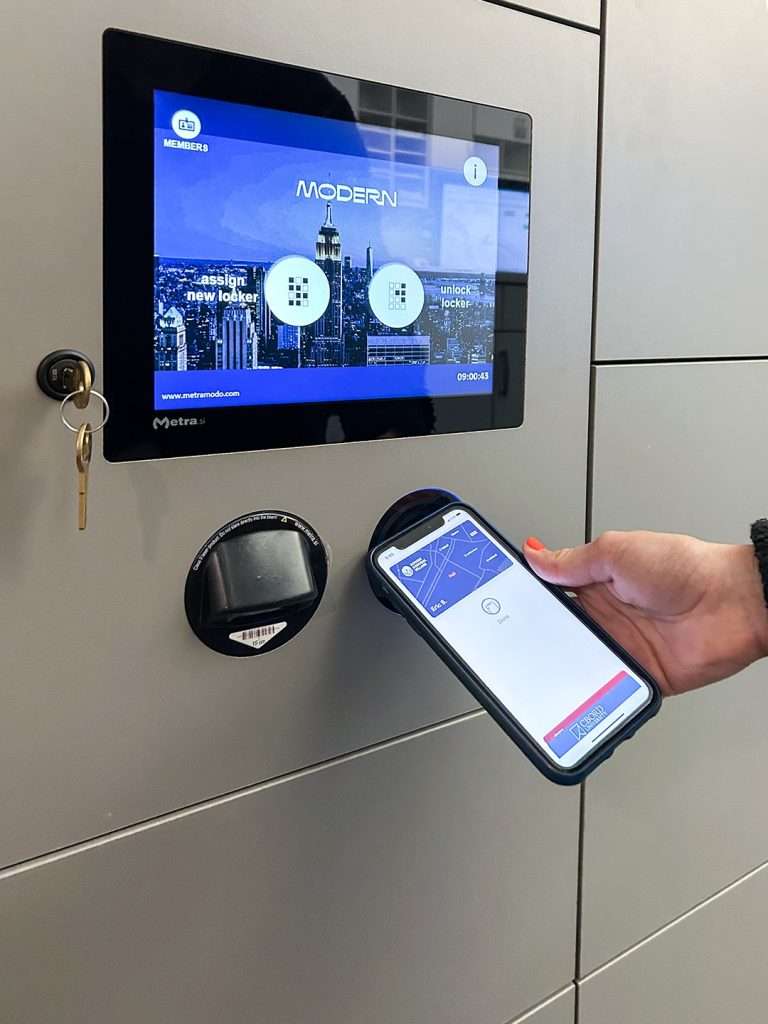
The mini touch display (Metra Touch Display 4) is designed for a simple user interface that gives users some options and preferences. When lockers are configured for day-use or unassigned, the display can be configured to allow users to choose upper or lower lockers or large or small (if there are different sizes in the locker bank).
The Most common configuration includes the touch display paired with an RFID reader. The user can use their RFID media, mobile app or mobile credential in mobile wallet. A 4-digit PIN is also an option on the display.
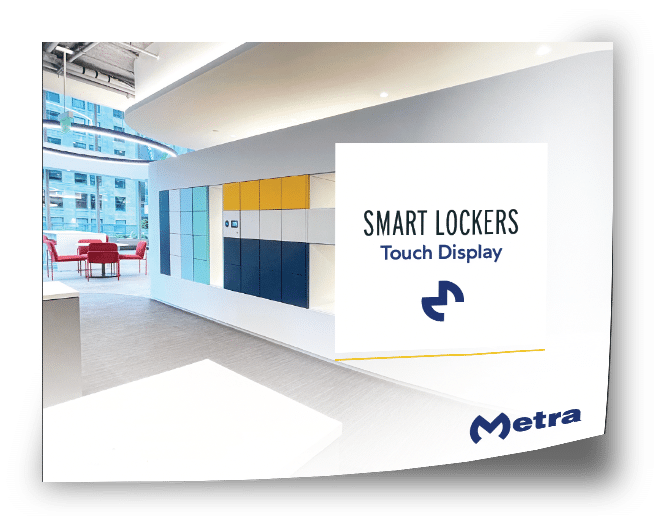
The large touch display (Metra Touch Display 10) offers the greatest amount of flexibility and customization. The most common locker user experience with this touch display is for unassigned or exchange of goods due to the number options that can be provided on the screen. Users can choose from upper, middle or lower locker or small, medium, or large (if there are different sizes in the locker bank). Also customize the design of the screen to showcase your brand, brand colors or whatever look you would like.
Most common configuration includes the touch display paired with an RFID reader. The user can use their RFID media, mobile app or mobile credential in mobile wallet. A 4-digit PIN is also an option on the display.
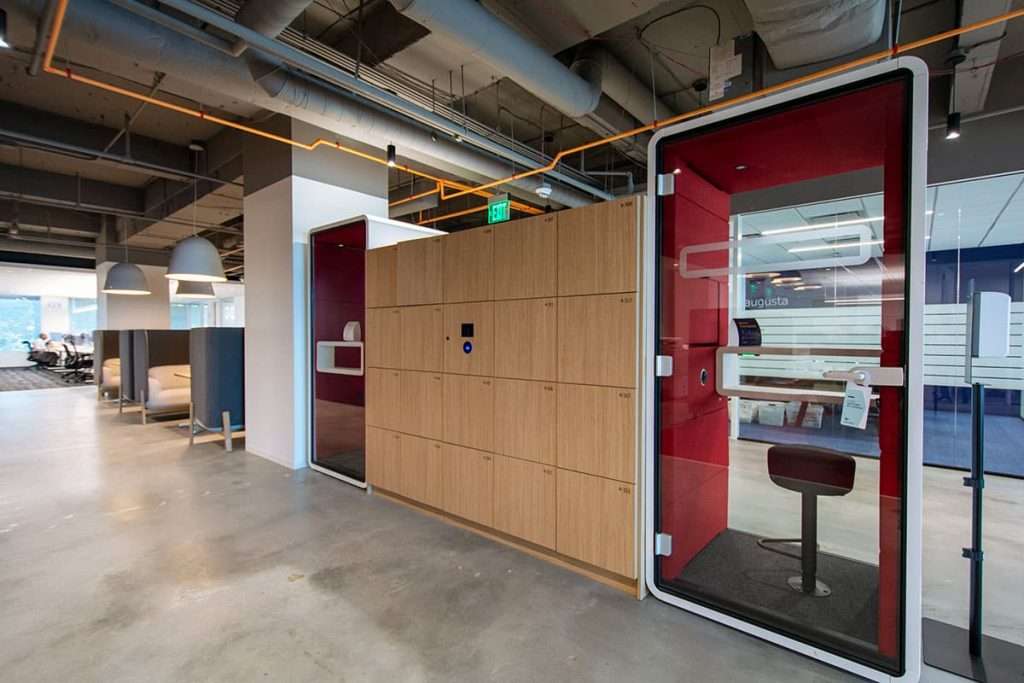
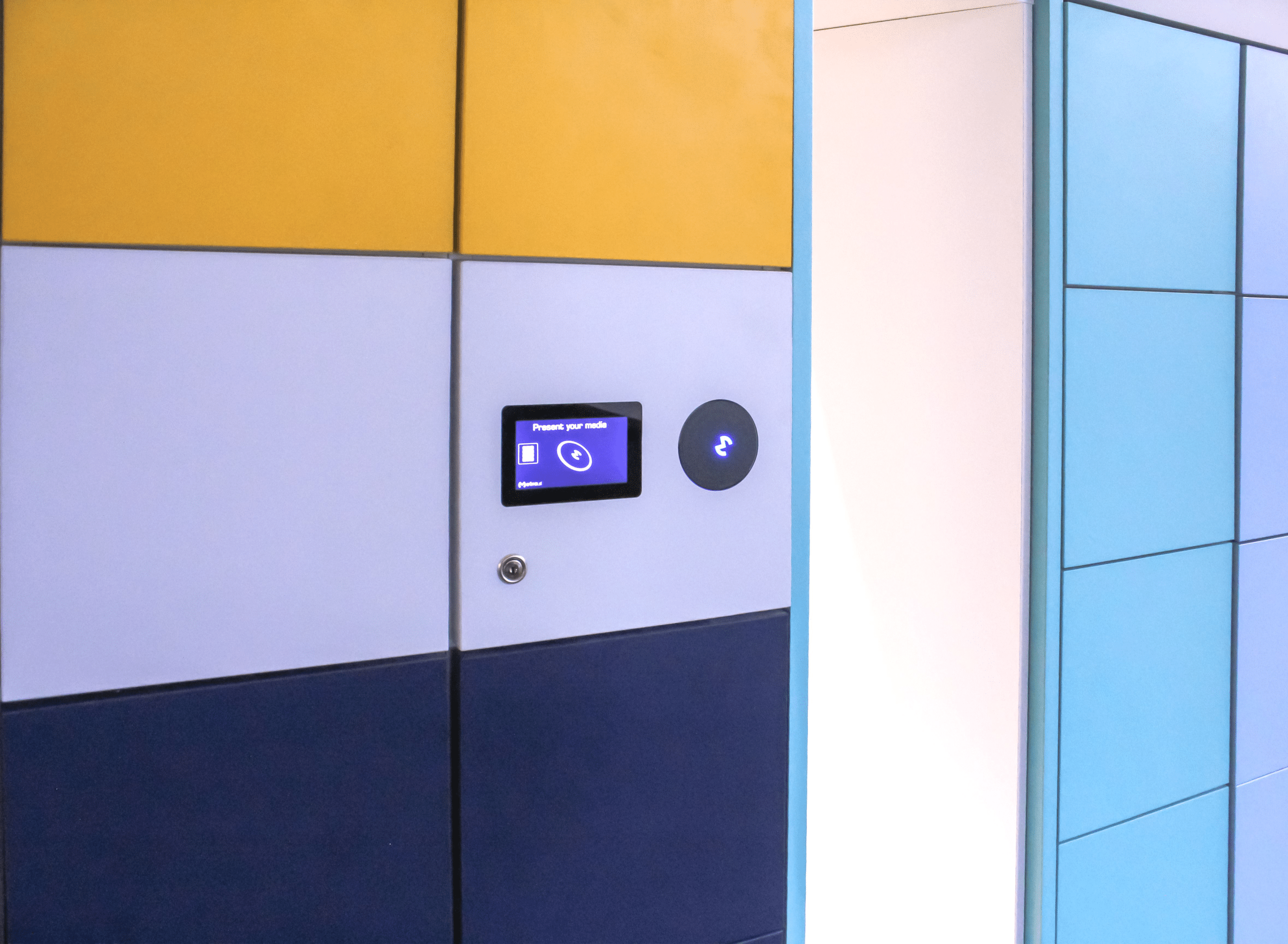
Present your RFID media to this centrally located Metra Reader on the bank of lockers to unlock a locker. Typically used for assigned lockers but also accepted with unassigned lockers. The system will auto-assign you a locker for temporary use. A simple and straightforward user experience.
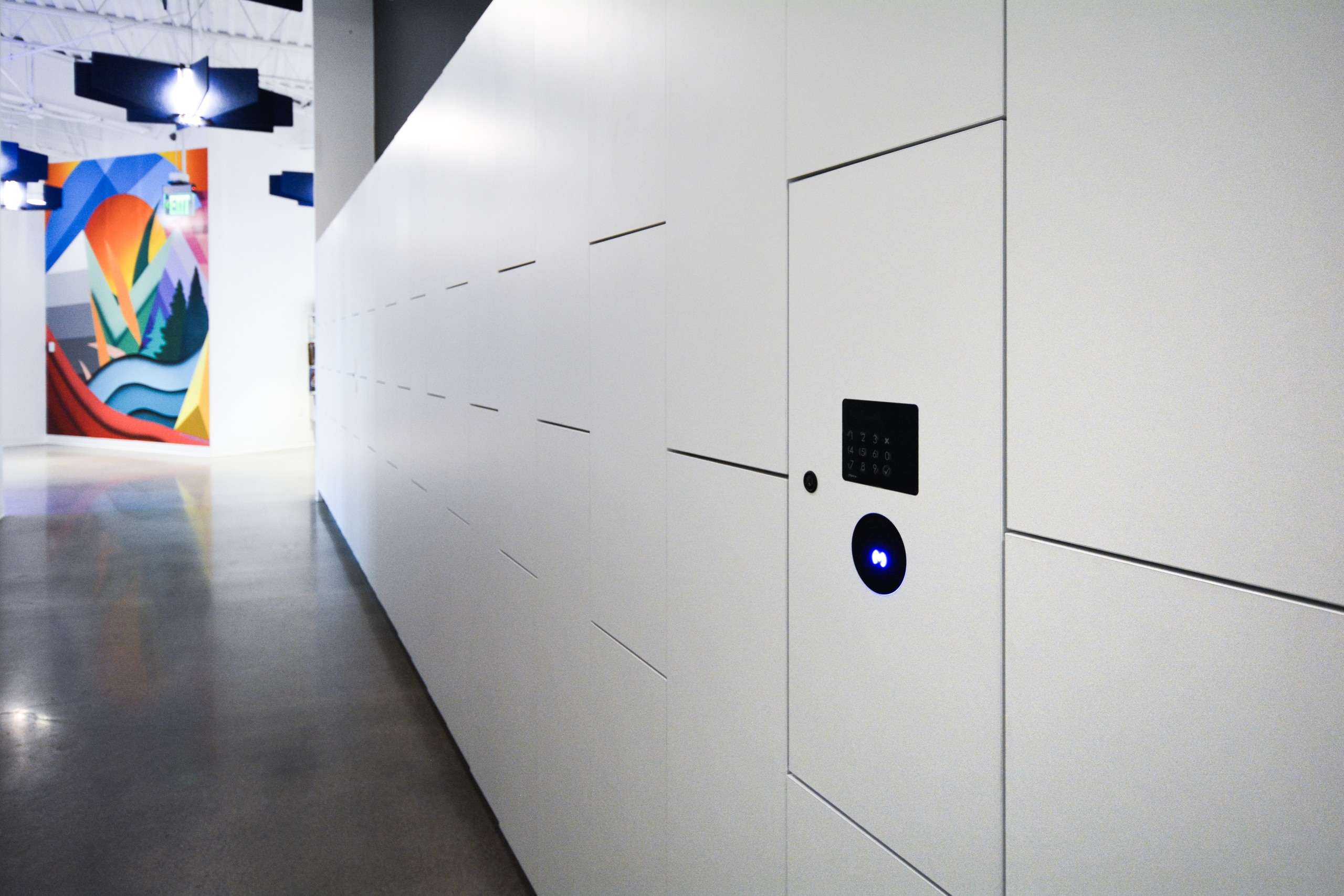
The pinpad serves as an optional back-up option for users to type in a four digit PIN to access their locker.
Take the Options Out of the User Experience with RFID & PinPad


The Reader on Door configuration has a reader on every door opening, allowing users to present their RFID media at the locker door they are assigned or desire to use. The LED light indicates whether the locker is available for use or not. Reader on Door solution is typically unassigned-use but can also be for assigned use. Unlike the other configurations, there is no central reader or keypad.
We’ve got you covered, learn more about use case applications! Or let us help you navigate and choose the perfect solution for your unique needs. Reach out, and we’ll handle the rest!